Restaurant Management & Online Ordering System
An online ordering platform built for restaurants, supporting dynamic menu customization, configurable delivery rules, multiple payment providers, automated notifications, kitchen receipt printing, and day-to-day business management through a comprehensive admin dashboard.
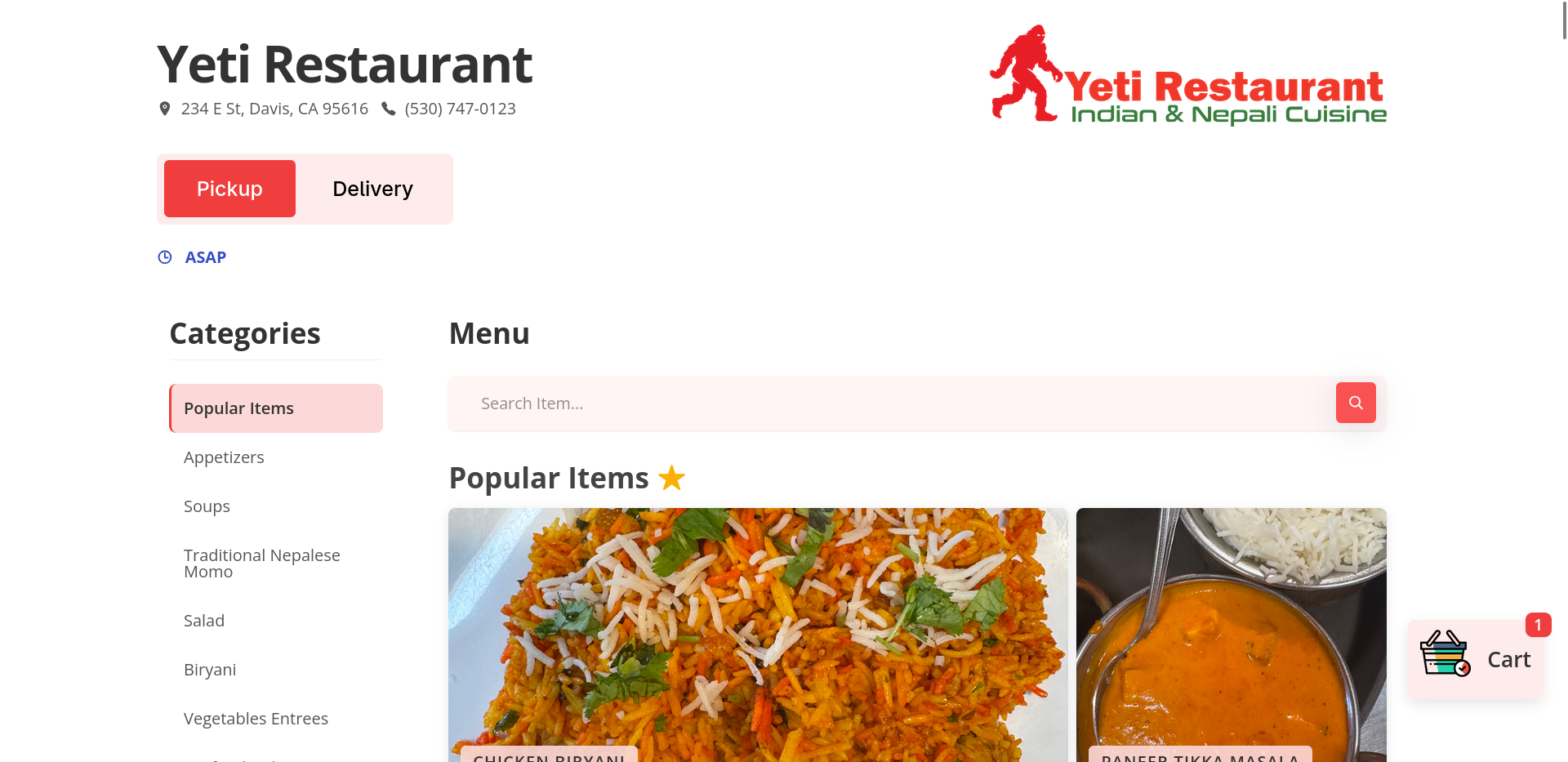
Building an Online Ordering Platform for Restaurants
Online food ordering looks deceptively similar to standard e-commerce—until you start handling real-world restaurant operations.
A single order is rarely just a static list of products. It involves complex modifier dependencies, geo-fenced delivery validation, dynamic pricing tiers, payment processing, and time-sensitive kitchen fulfillment workflows that must coordinate seamlessly.
After building the initial restaurant platform, I realized that while every client shared the same fundamental technical requirements, their business logic and daily workflows varied significantly. Rather than reinventing the wheel for every client, I engineered a shared, modular codebase that could be independently deployed and tailored entirely through an intuitive admin dashboard.
Built with PHP, MySQL, and Vanilla JavaScript, the platform powers multiple live restaurant websites—each uniquely configured with its own menus, pricing structures, delivery zones, payment gateways, and automated fulfillment pipelines.
Modeling Menu Items
Restaurant menus are far more flexible than a typical product catalog.
A dish may require customers to choose exactly one spice level, allow multiple toppings, or offer optional add-ons that affect pricing. Every restaurant defines these rules differently.
[ Chicken Momo ]
   ├── Spice Level (Required, Max 1)
   │     ├── Mild
   │     ├── Medium
   │     └── Spicy
   └── Add-ons (Optional, Max 3)
         ├── Extra Chutney (+$1.50)
         └── Steamed Vegetables (+$3.00)
Instead of treating these as special cases, I modeled modifiers as data. Each menu item references one or more modifier categories, which define selection rules, while modifier items represent the available choices and their price adjustments.
The shopping cart validates selections in real time to provide immediate feedback. The backend performs the same validation before creating the order or initiating payment, ensuring client-side checks cannot be bypassed.
Delivery & Geo-Fencing
Delivery pricing turned out to be more complicated than assigning a flat fee.
Restaurants don’t deliver based on postal codes, they deliver within a service area, and each business defines that area differently.
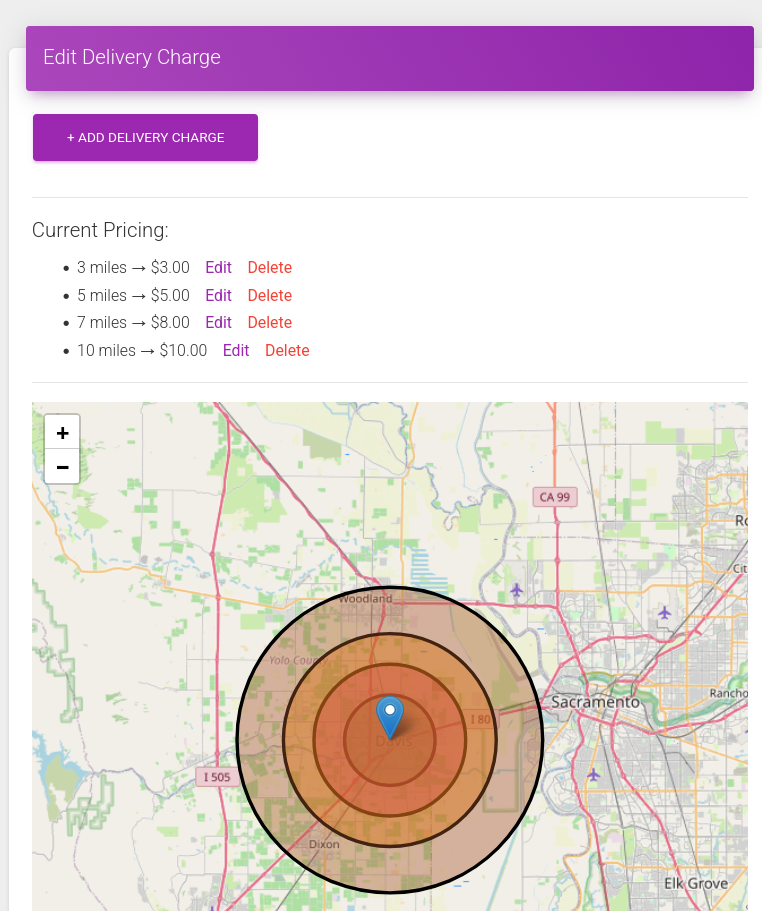
| Delivery Radius | Fee | Status |
|---|---|---|
| 0 – 3 Miles | $3.00 | Allowed |
| 3 – 5 Miles | $5.00 | Allowed |
| 5 – 7 Miles | $8.00 | Allowed |
| 7 – 10 Miles | $10.00 | Allowed |
| > 10 Miles | Delivery Unavailable | Blocked |
Different restaurants also wanted different definitions of distance.
Some were satisfied with straight-line distance calculated using the Haversine formula because it’s fast and doesn’t require external API calls.
Others preferred actual driving distance because roads, highways, and rivers often make straight-line distance misleading. For those cases, the application integrates the Google Distance Matrix API.
Regardless of the distance calculation method, the same delivery rules and pricing tiers are applied after the final distance is determined.
The admin dashboard also includes an interactive map for configuring and visualizing delivery areas.
Order Scheduling
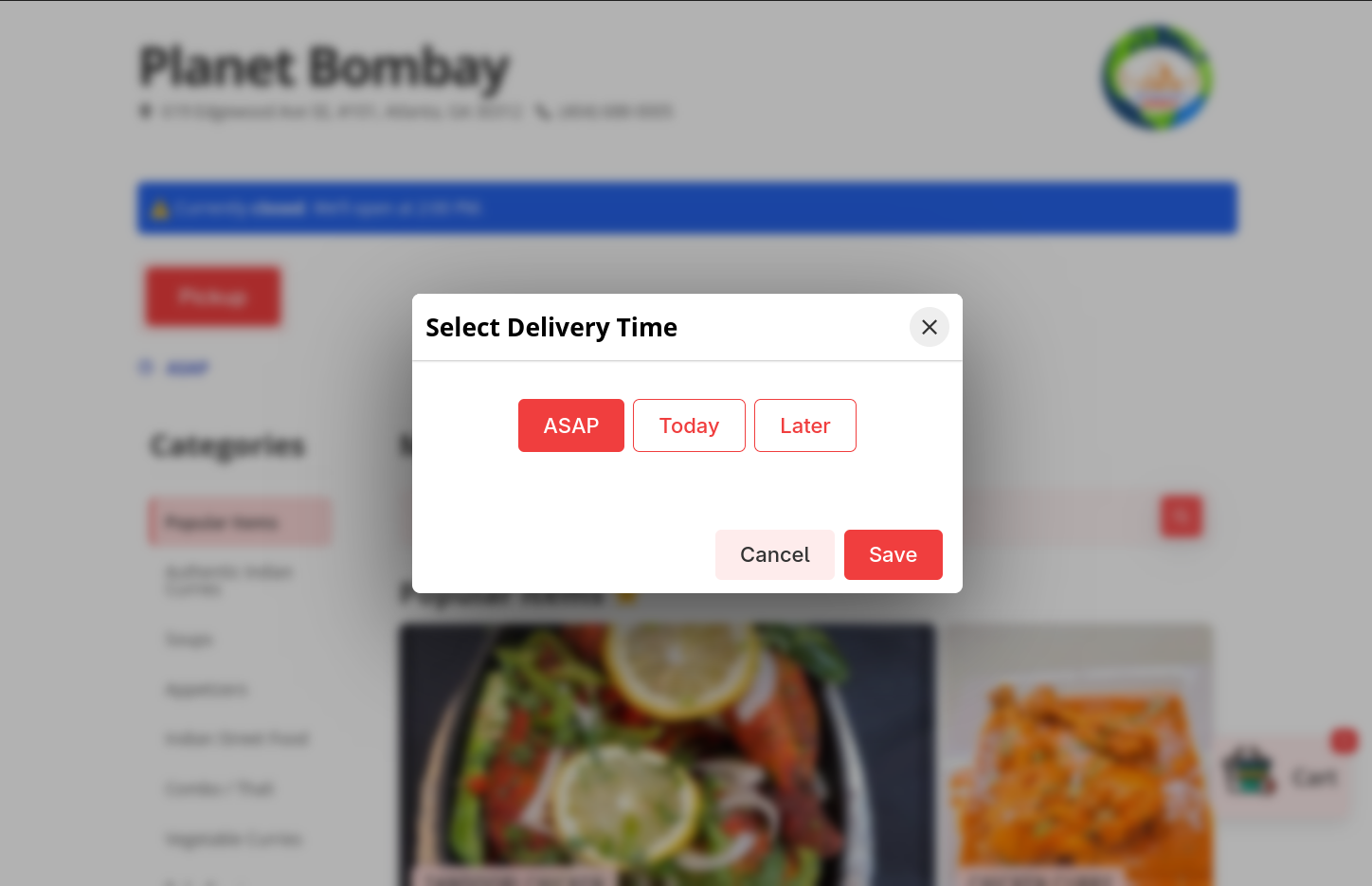
Restaurants can accept orders in three modes:
- ASAP – Prepare the order as soon as possible.
- Today – Schedule the order for a later time on the current day.
- Later – Schedule the order for a future operating day.
The available options are generated dynamically based on the restaurant’s configured timezone, opening hours, last accepted order time, and weekly closing days.
For example, if a restaurant operates from 11:00 AM to 9:45 PM and accepts online orders until 9:30 PM:
- At 12:11 PM, all three options are available. ASAP is selected by default, while Today offers time slots beginning at the next 15-minute interval (12:15 PM) and continuing every 15 minutes until 9:30 PM.
- Before opening hours, ASAP is unavailable. Customers can schedule an order for Today, starting from the restaurant’s opening time, or choose Later.
- After the daily ordering window closes, only Later is available, with scheduling beginning on the next operating day.
- If the selected date falls on one of the restaurant’s configured closing days, the order cannot be placed until a valid operating day is selected.
Payment Processing
Payment requirements varied from one restaurant to another.
Some restaurants accepted online payments only, while others also wanted customers to pay in person—either at the restaurant for pickup orders or at the customer’s door for deliveries. Whether these options were available could be configured independently for each restaurant.
Online payment gateways also differed between clients. Some restaurants only had a single payment provider, while others wanted customers to choose from multiple gateways during checkout.
To support these differences, the checkout flow was designed around configurable payment methods rather than a single hardcoded provider. Each deployment enables only the payment options required by that restaurant.
Over time, I integrated support for several payment providers, including:
- Stripe
- PayPal
- Square
- Clover
- Authorize.Net
- MiCamp
Order Fulfillment
Placing an order is only the beginning. Once payment succeeds, the restaurant needs to know about it immediately.
Different restaurants have different workflows. Some monitor email, some rely on SMS or automated phone calls, and others expect every order to appear on a thermal printer in the kitchen or at the front counter. The system supports all of these without changing the application itself.
Email Notifications
Every completed order sends a confirmation email to the customer using SendGrid.
Restaurant staff also receive a copy of the order. The admin panel allows owners to configure one or more notification email addresses, and every address listed receives the order details automatically.
SMS & Voice Calls
Some restaurants prefer immediate notifications over email.
For those deployments, the system integrates ClickSend to trigger SMS messages or automated voice calls whenever a new order is placed.
Thermal Receipt Printing
Many restaurants rely on thermal printers instead of screens during busy hours.
For these restaurants, PrintNode runs on a computer, tablet, or phone connected to one or more thermal printers. After an order is placed, the backend generates an 80mm receipt containing the complete order, modifier selections, customer notes, and delivery details. Depending on the restaurant’s configuration, the receipt can be sent to a single printer or distributed to multiple printers simultaneously—for example, one at the front counter and another in the kitchen. PrintNode handles routing the print jobs to the configured devices automatically.
Order Management
Every order is also available through the admin dashboard.
Restaurant staff can search past orders, update their status, and download either:
- an A4 PDF invoice for printing or record keeping,
- or the 80mm thermal receipt used by kitchen printers.
Immutable Order Records
A menu isn’t static. Restaurants regularly change prices, rename dishes, add or remove modifiers, and update their menus over time. Those changes shouldn’t affect orders that have already been placed.
Imagine a pizza costs $12.00 today. A customer places an order, pays for it, and receives their food. Two months later, the restaurant increases the price to $14.00.
If the order simply referenced the current menu item, viewing that historical order would incorrectly show the new price instead of the amount the customer actually paid. At best, that creates confusing records. At worst, it can lead to accounting discrepancies or disputes.
To avoid this, the system treats completed orders as immutable snapshots.
Once an order passes validation, the backend stores a sanitized copy of every ordered item—including its name, price, selected modifiers, quantities, taxes, discounts, and calculated totals—inside the order itself. From that point onward, the order no longer depends on the current state of the menu.
This preserves an accurate record of exactly what the customer purchased, even if the restaurant later changes its menu, pricing, or modifier structure.
Robust Admin Dashboard
One of the goals of the project was to minimize the number of changes that required a developer.
Restaurant owners and staff should be able to manage day-to-day operations themselves, so most business rules are exposed through the admin dashboard instead of being hardcoded into the application.
The dashboard includes tools for managing:
- Menu Management – Create and organize menu categories, menu items, modifier groups, and modifier items.
- Delivery Settings – Enable or disable delivery/pickup, configure delivery distance tiers, and adjust delivery charges without redeploying the application.
- Discounts & Coupons – Create coupon codes with expiration dates, minimum order requirements, and maximum discount limits. The same validation rules can be applied to delivery discounts, pickup discounts, and store-wide promotions.
- Tax Configuration – Configure tax rates used during checkout and order processing.
- Notification Settings – Configure one or more transaction email addresses that receive a copy of every completed order.
- Business Hours – Configure store opening hours and define one or more weekly closing days, allowing restaurants to automatically disable ordering on selected days.
Deployment Model
Each restaurant is deployed as its own application with a dedicated hosting environment and database while sharing the same codebase.
New restaurants are onboarded by deploying the existing application and configuring it through the admin dashboard rather than modifying the source code. As the platform evolves, improvements are merged into the shared codebase and deployed to individual restaurants as needed.
Today, the platform powers multiple live restaurant websites, each independently configured to match that business’s branding, menus, pricing, payment providers, delivery rules, and operational workflow.
Live Deployments
Project Showcase Gallery
Click any screenshot to launch the interactive lightbox viewer
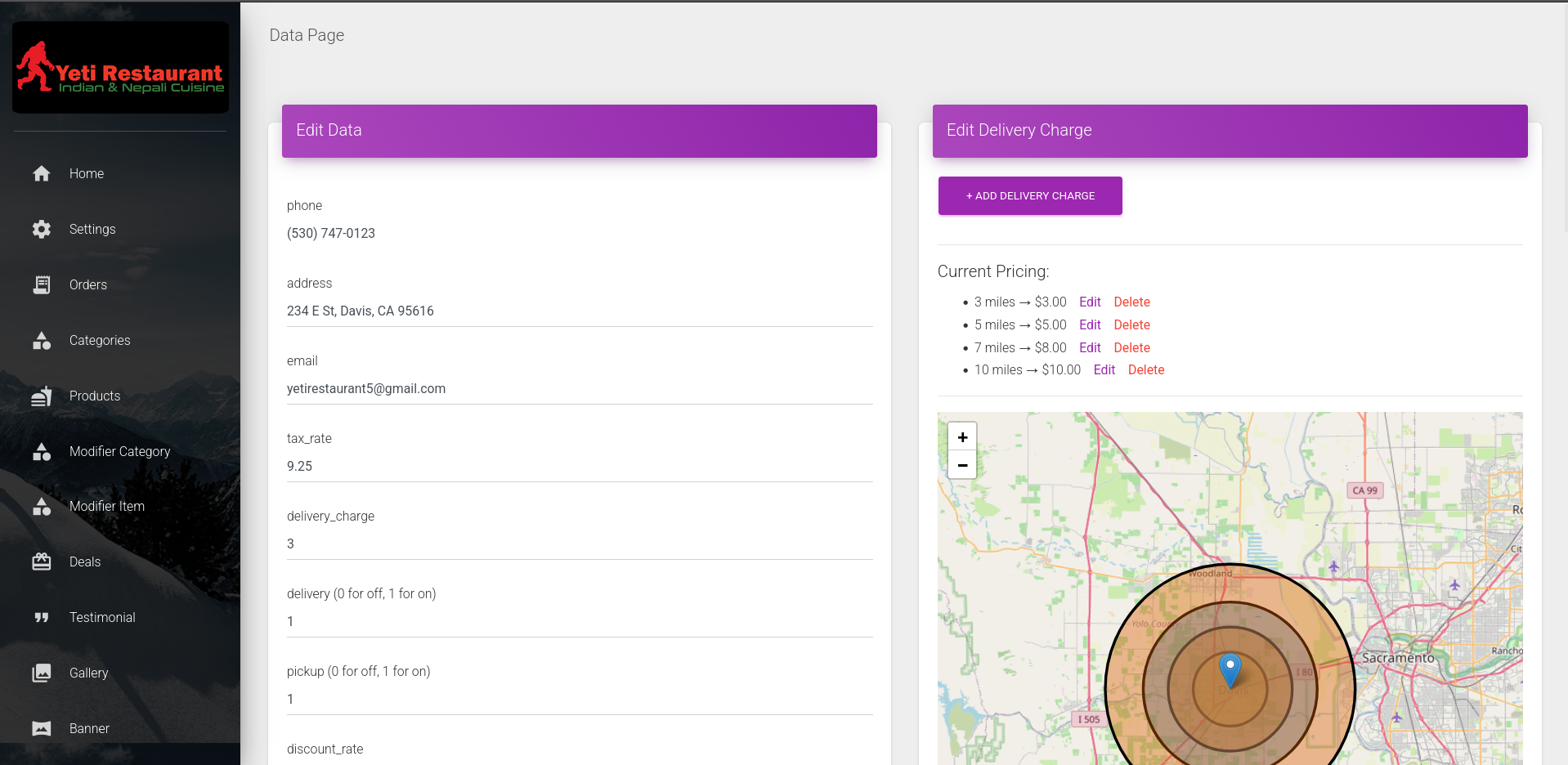
Admin Dashboard
Manage orders, menus, delivery settings, and store activity from a single dashboard.
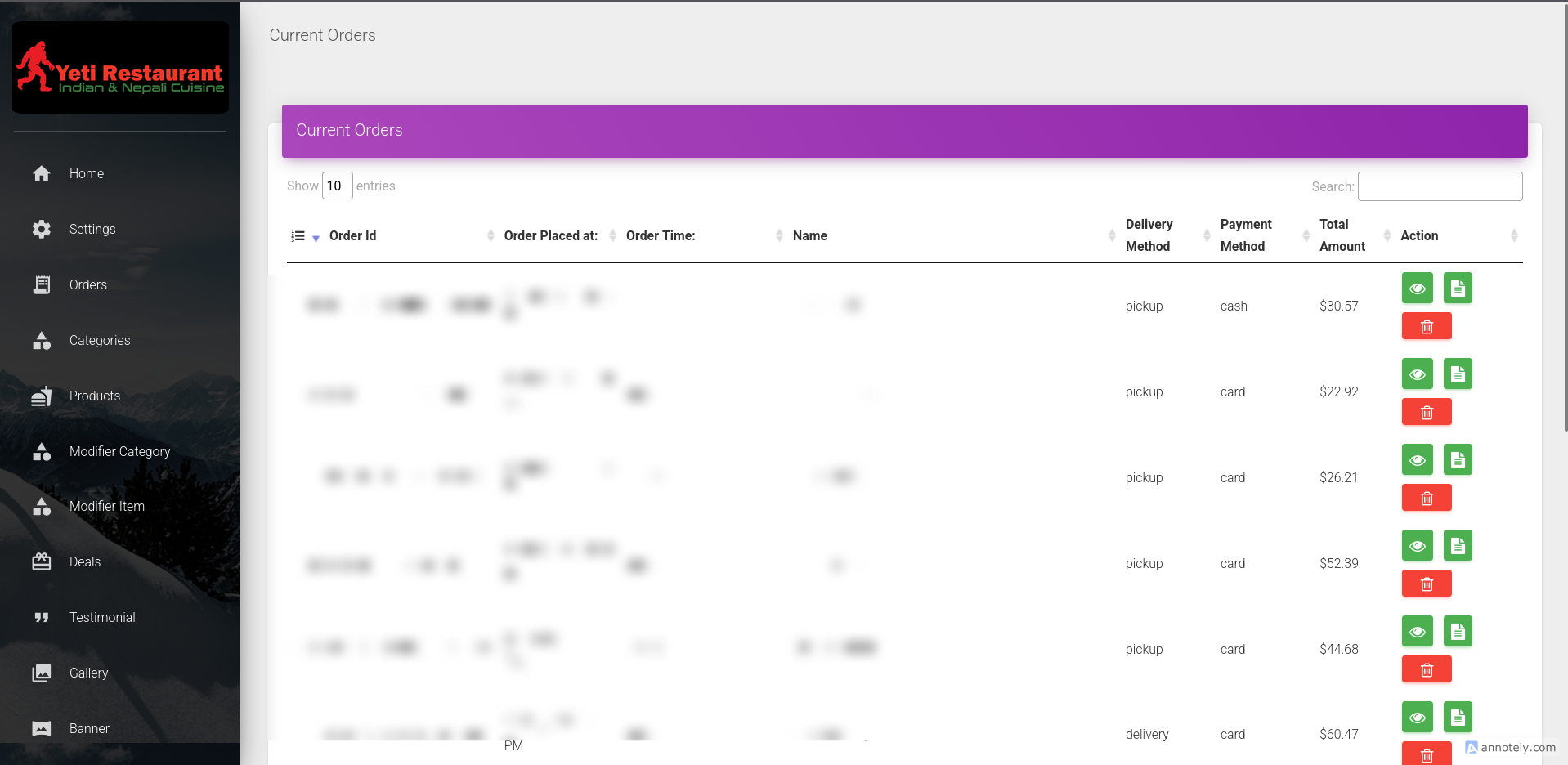
Order Management
View incoming orders, update statuses, and monitor the order workflow.
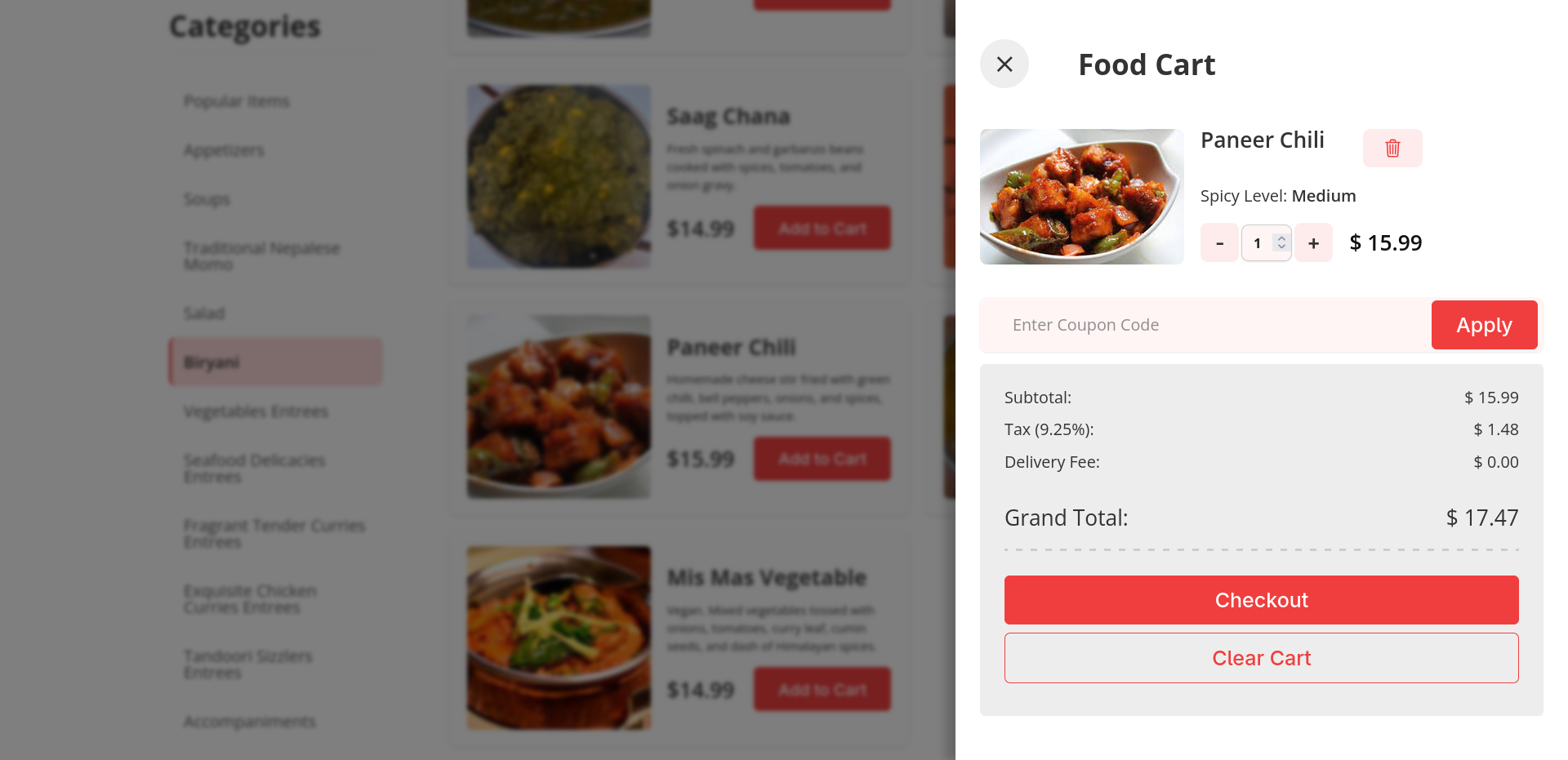
Shopping Cart
Client-side cart with modifier validation, delivery calculation, and live pricing.
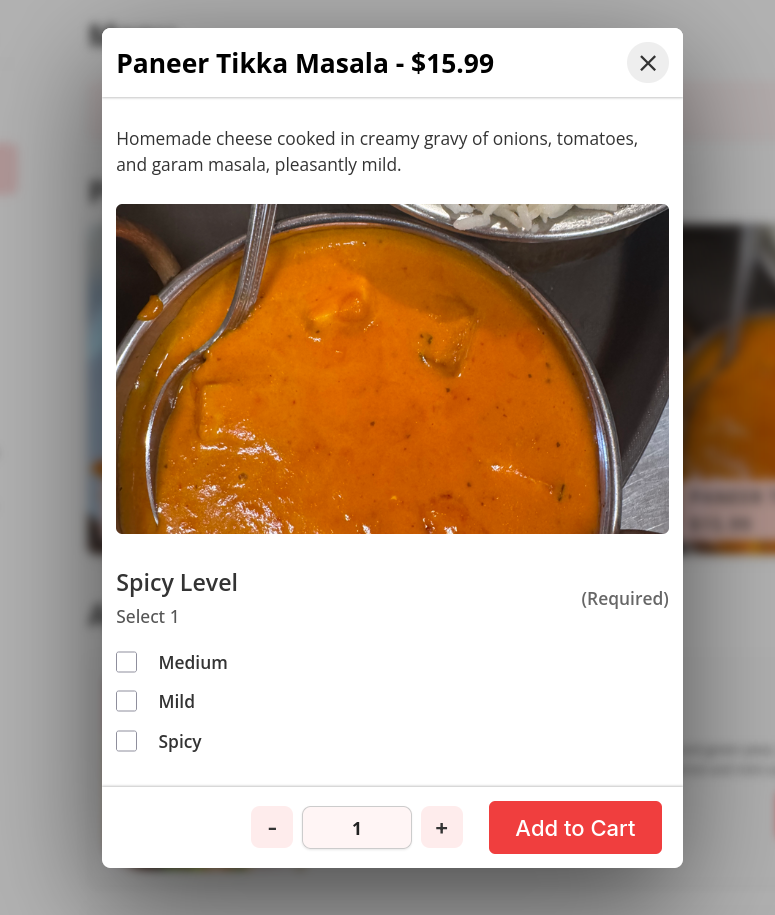
Menu Management
Configure menu items, modifier groups, pricing, and availability.
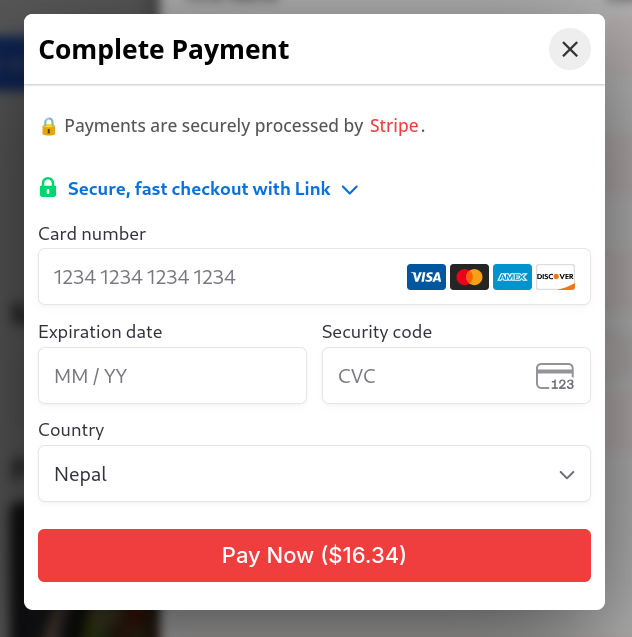
Checkout
Stripe checkout.
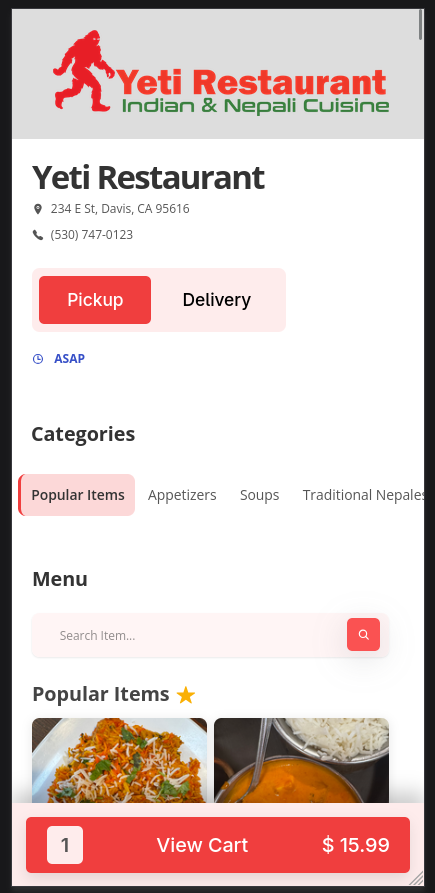
Mobile Ordering
Responsive customer interface optimized for mobile ordering.